Event Schedule
Interactive calendar app for multi-day events
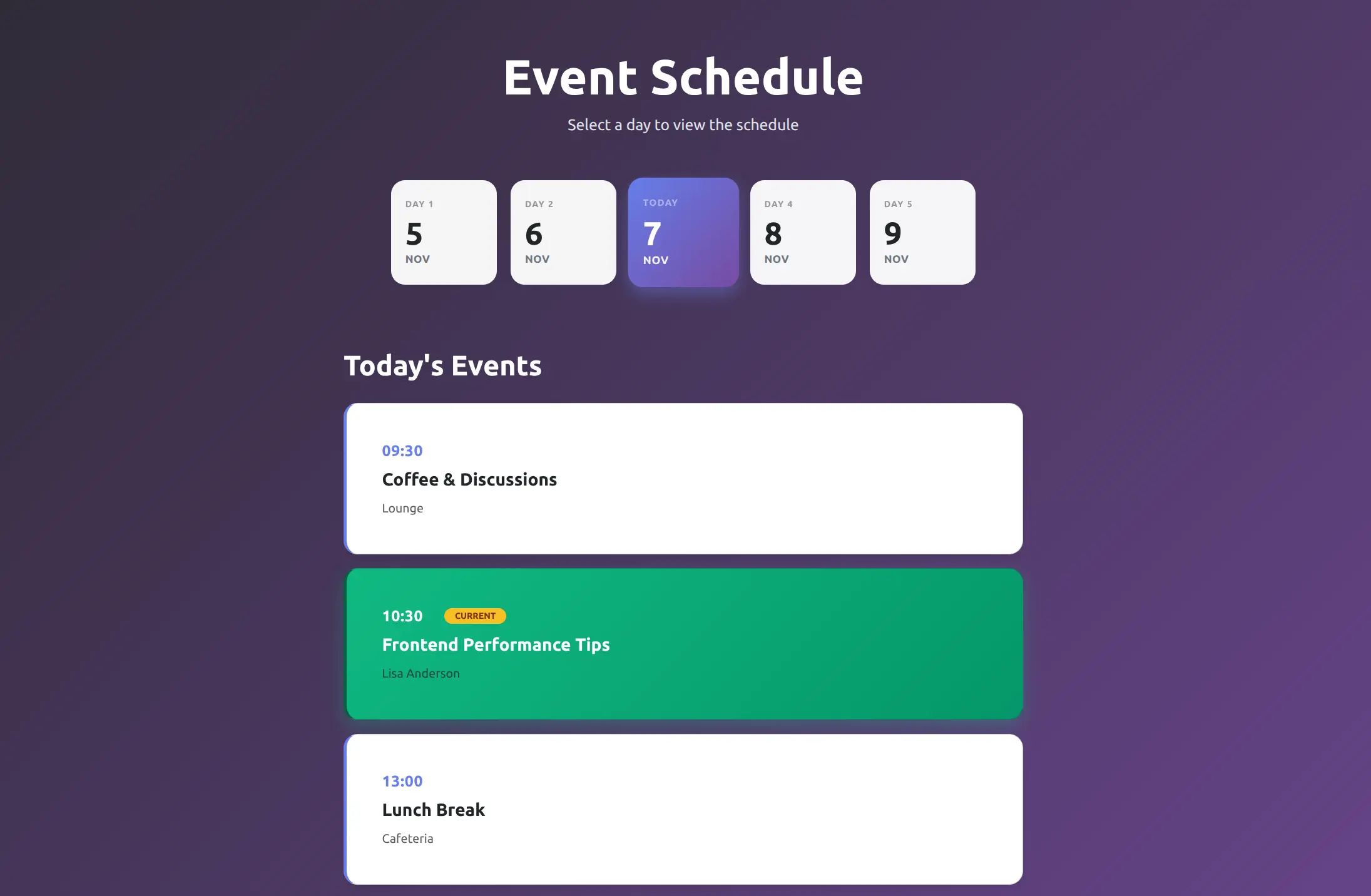
This app provides a foundation for building event websites for conferences and seminars. It is ideal for quick MVP launches, client work, and integrating into existing websites.
It offers a responsive calendar interface where attendees can see which days the event takes place on. Selecting a particular day reveals a detailed session breakdown that shows start times, speakers, and themes for each keynote.
Customization
The app has under 100 lines of vanilla JavaScript that handles switching between the different days of the event. The code also auto-selects the current day if one of them matches today's date.
All you need to do to set up the app is add the attributes data-calendar-date on the calendar days and data-schedule-date on the daily event containers with the respective date. The app layout, colors scheme and text content can all be easily modified using Bootstrap Studio's visual editor.
Note that for demo purposes, we have a demo.js file in the design that sets the event dates to be around the current date. You will need to remove this file when customizing the app for your own event.
Get started
Download the .bsdesign file from the button above, and open it in Bootstrap Studio to customize for your event.
Highlights
What you get with the Bootstrap Studio app gallery
Free to Use
All apps are free for commercial use
Fully Customizable
Open and modify every app in Bootstrap Studio
Ready to Go
Export as a fully working website or application